Change Preferences
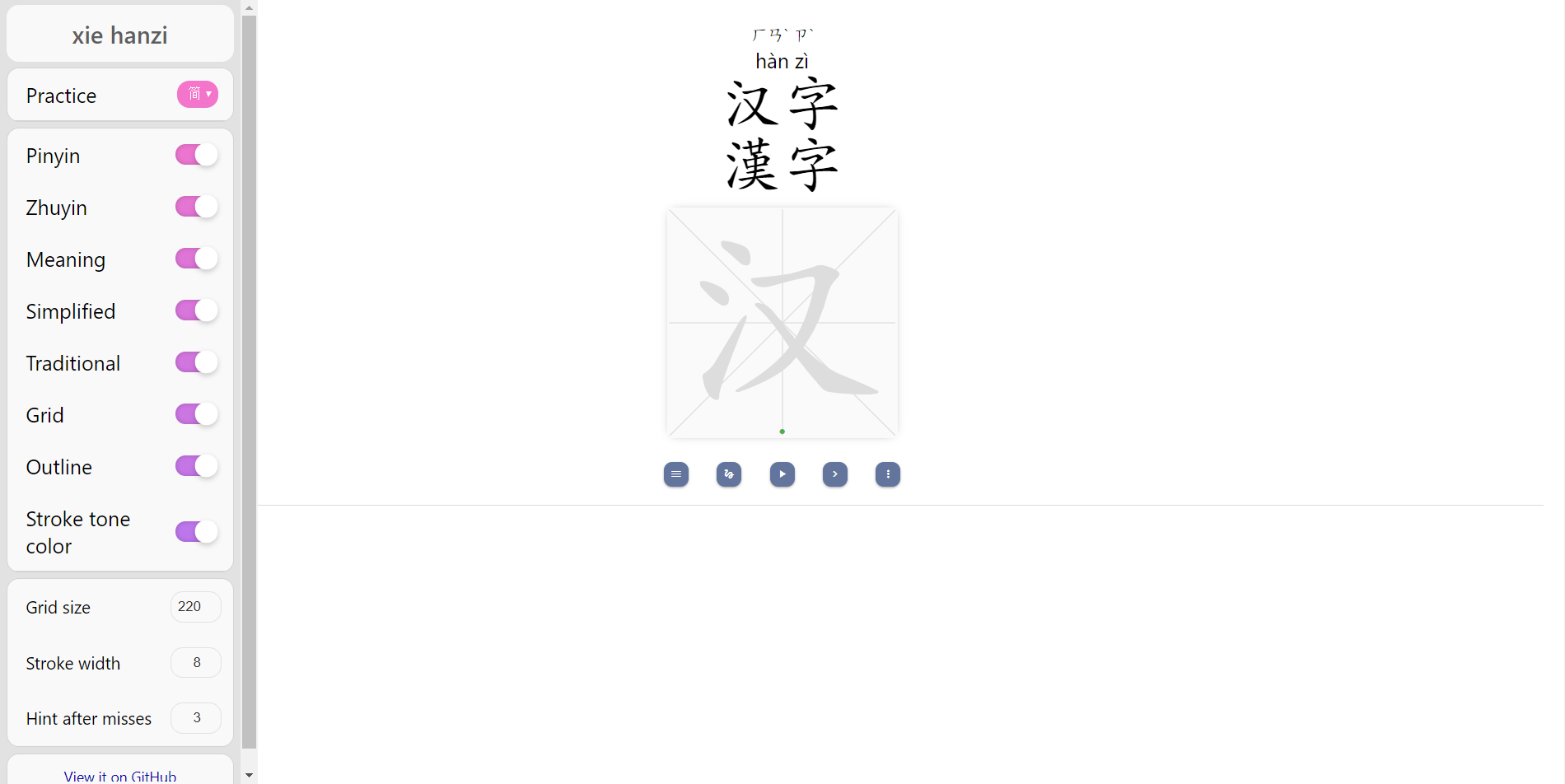
Practice Simplified or Traditional characters
Click on menu button and in left side bar use drop down menu to select between simplified and traditional characters.
Show/Hide Simplified or Traditional characters
Use the side bar to toggle on/off for showing/hiding Simplified or Traditional fields
Show/Hide Pinyin or Zhuyin of characters
Use the side bar to toggle on/off for showing/hiding Pinyin or Zhuyin of characters
Change grid size for writing characters
The default grid size is 300 which can be changed from side bar. Enter desired size to change the grid size.
Show/Hide tone color for strokes
The color of strokes is matched with first pinyin of the characters. The default is colored stroked which can be changed from sidebar.
Show/Hide Outline
The outline can be used as hint for writing characters strokes. The default can be change to hide colored strokes.