Native apps (iPhone, Android)
Applies to: iPhone/iPad, Android native
| Deck list | Reviewing | Browse |
|---|---|---|
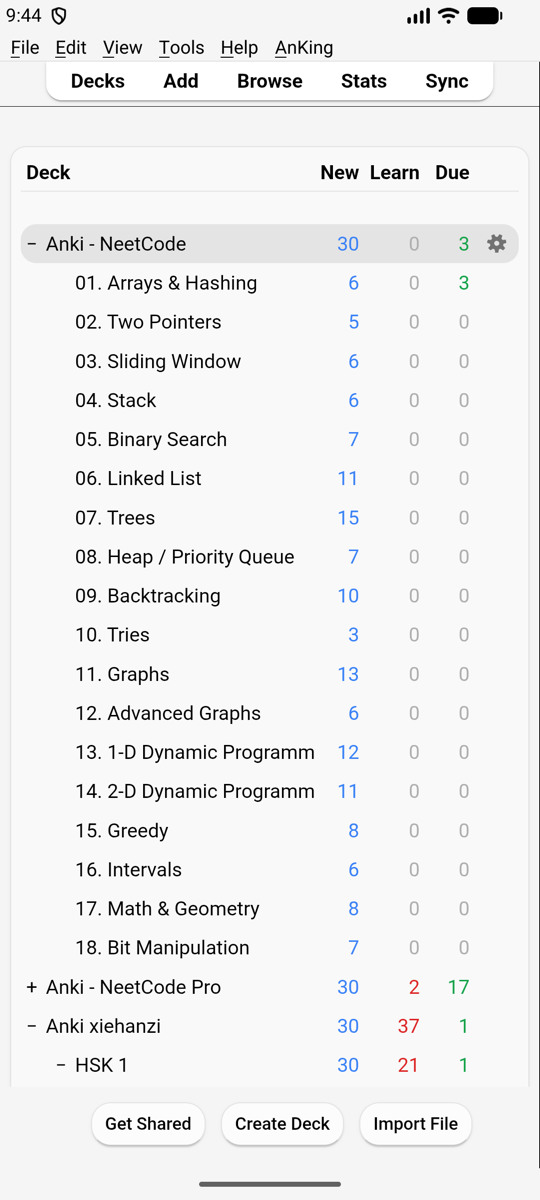 | 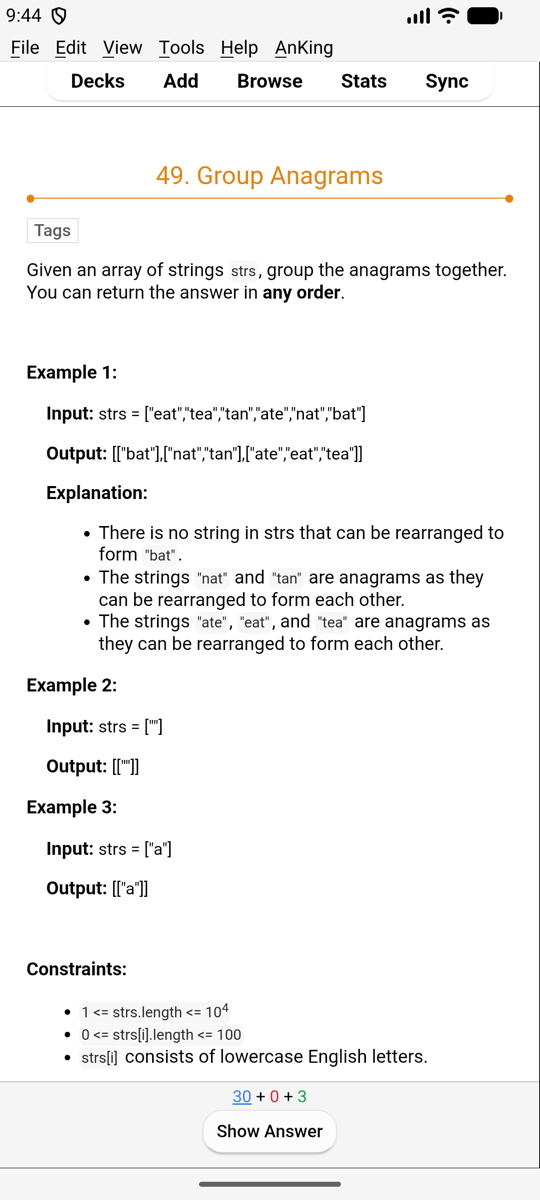 | 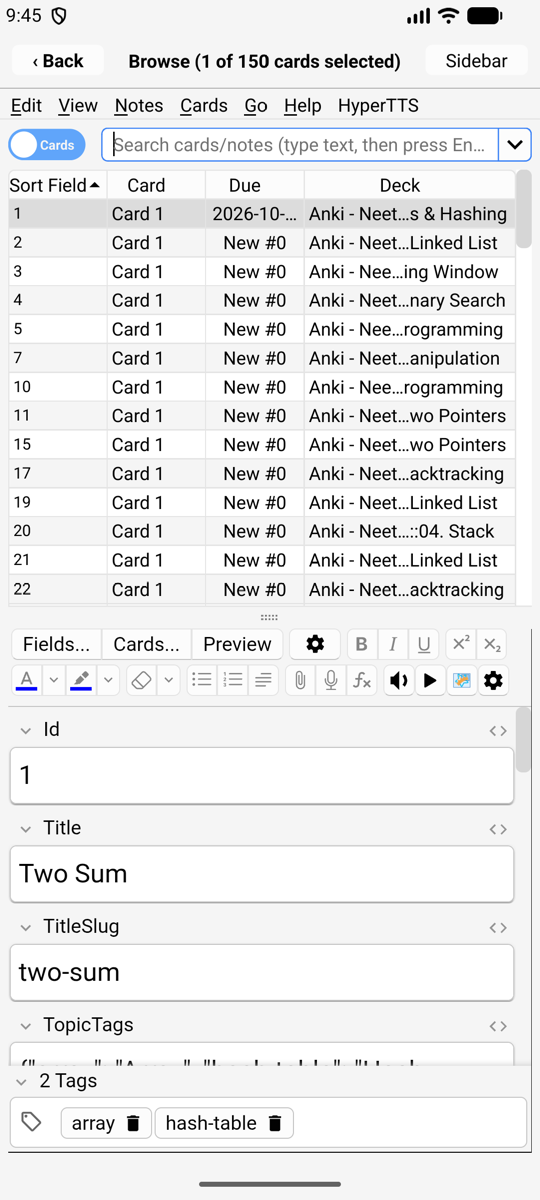 |
Windows
- The main window (deck list, overview, reviewer) fills the screen, with Anki’s menu bar at the top: File, Edit, View, Tools, Help and add-on menus.
- Every other window (Browse, Add, Statistics, Preferences, Deck Options…) opens full screen on top, with a title bar.
- Closing a window:
- iPhone, iPad: ‹ Back in its title bar.
- Android: the Back key or gesture closes the top window. On the main window it moves Kioku to the background (Anki keeps running).
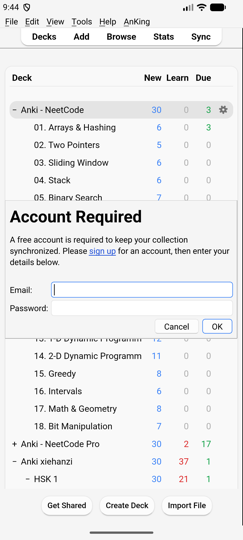
- Small windows (the AnkiWeb login, Create Deck, Rename, message boxes) are cards in the middle of the screen, sized to their content, and move up above the keyboard while you type.
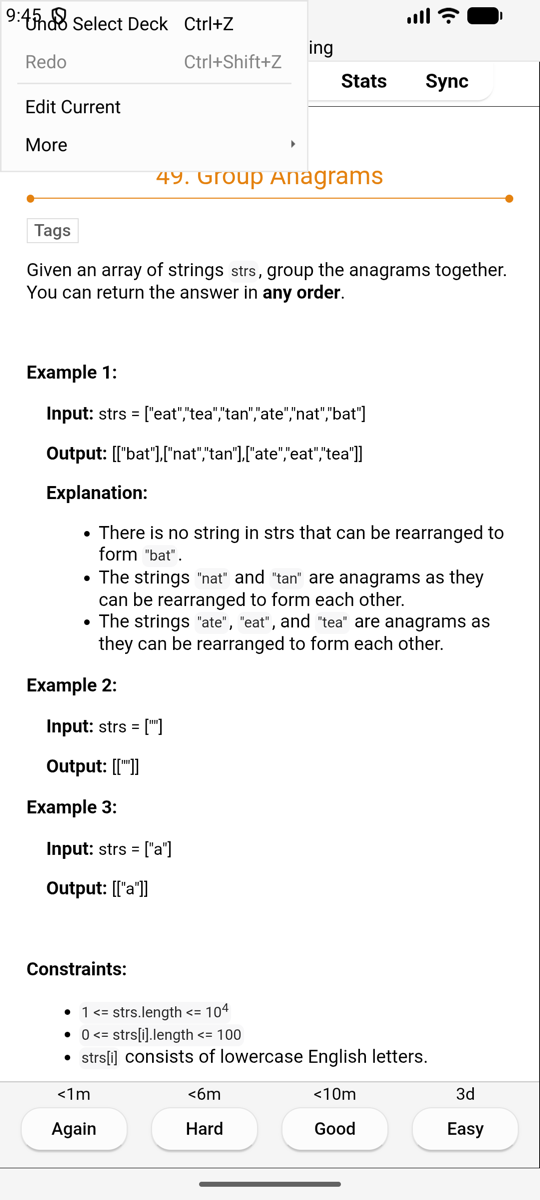
| A prompt | A login | The Edit menu while reviewing |
|---|---|---|
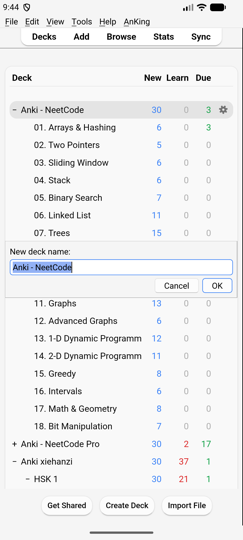 |  |  |
Touch
- Tap for a click, drag to scroll lists and pages.
- While reviewing, Anki hides its Edit and More buttons on a narrow screen; Kioku offers them in the Edit menu (Edit Current, More: flag, bury, suspend, card info…).
- Landscape works; windows follow the rotation.
- Keyboard shortcuts work with a hardware keyboard (Space to show the answer, 1–4 to answer, as in Anki).
Full screen
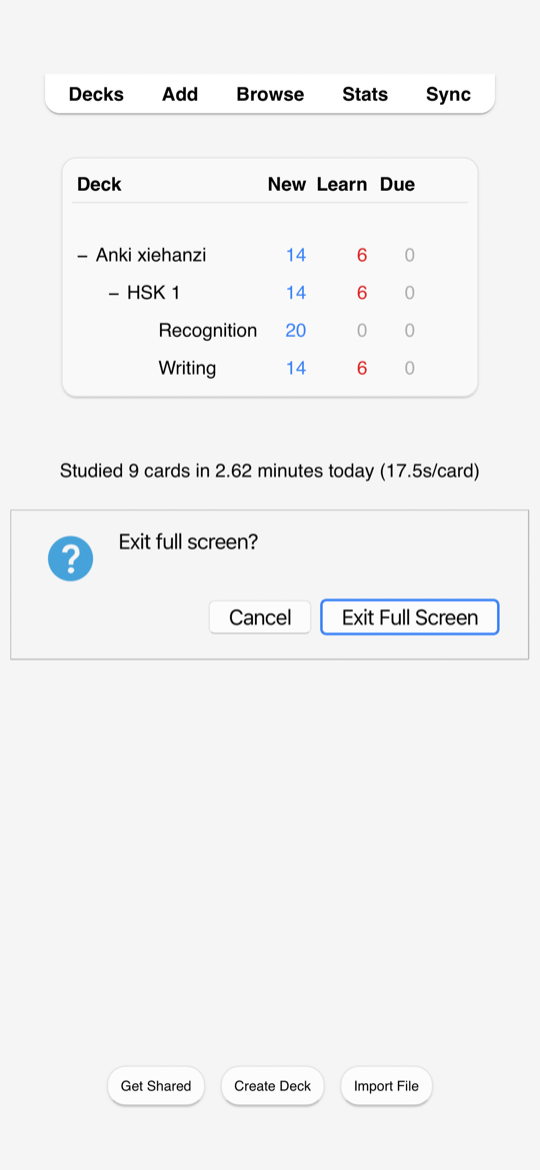
View › Full Screen hides the menu bar (and the status bar) for more room. To leave it, swipe right on the screen and tap Exit Full Screen (or Cancel to stay in full screen). Kioku reminds you of this for a few seconds when you enter full screen. On a page that scrolls sideways, scroll it back to its left edge first.
Keyboard
The on-screen keyboard opens when you tap a text field and closes when you tap elsewhere. On Android the keyboard’s Enter key (✓) submits single-line fields: Browse’s search, prompts, the login.
Sound and speech
- Card audio (mp3, wav, Ogg Vorbis, Opus) plays as in Anki, with the replay buttons.
{{tts}}text-to-speech uses the phone’s voices: iOS’s voices, and Android’s text-to-speech engine (Settings › Text-to-speech on the phone). Install a voice for the language you need there.
In the background
- Android: Kioku keeps running in the background like other apps; Android may stop it when memory runs low. Your collection is saved whenever Kioku leaves the screen.
- iPhone, iPad: iOS pauses Kioku in the background. It saves first.
Web views
Cards, the editor and statistics are web pages in the system’s web view. Card
JavaScript works. For card template authors: the web views can be inspected
with Safari’s Web Inspector (iOS) or chrome://inspect (Android).
Differences from Anki on a computer
- File dialogs are the phone’s own file picker (Your Files).
- “Show in folder” / “Open folder” show the folder’s path instead of a file manager on Android.
- Add-ons that start other programs don’t work (Add-ons).
- The card types editor (Cards…) is cramped in portrait; turn the phone.