Termux desktop
Applies to: Android Termux
The Termux variant starts a tiny Linux desktop with Anki open. Anki runs exactly as on a Linux PC; closing Anki returns to the desktop, where the Anki icon opens it again.
| Desktop | Software | Settings |
|---|---|---|
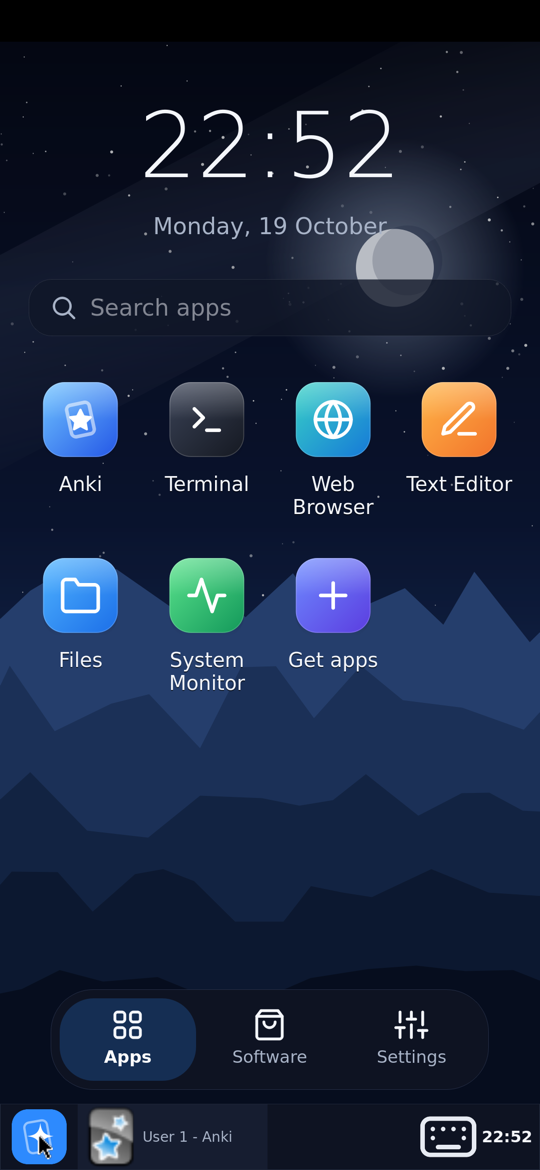 |  |  |
The desktop
- Apps: a clock, search, Anki, Terminal and every app you installed.
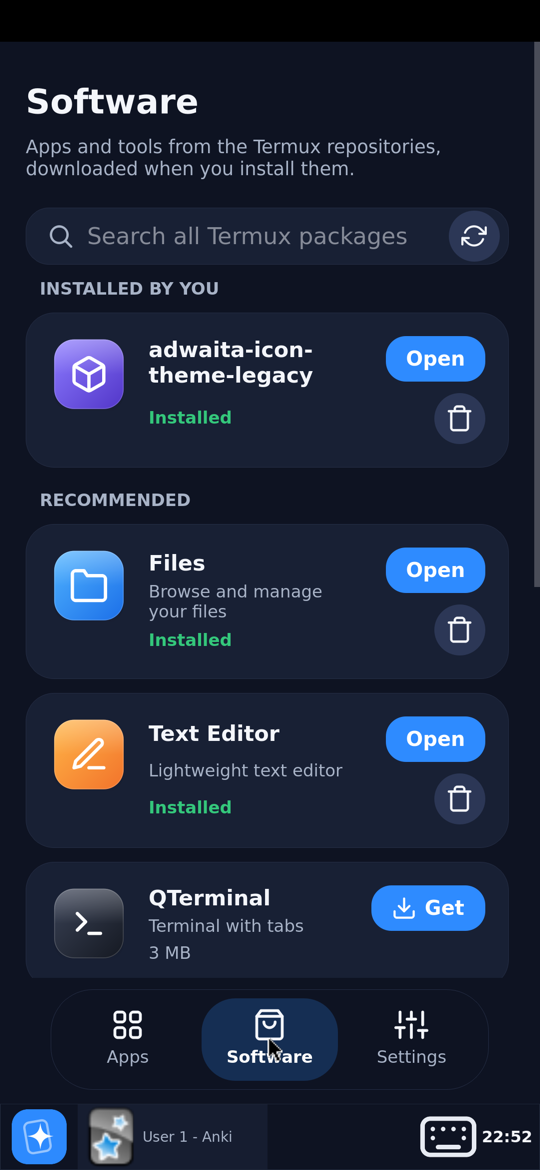
- Software: recommended Linux apps (Files, Text Editor, QTerminal, Web Browser, Image Viewer, Archives, System Monitor) and a search over every package in the Termux repositories. Install or remove with one tap.
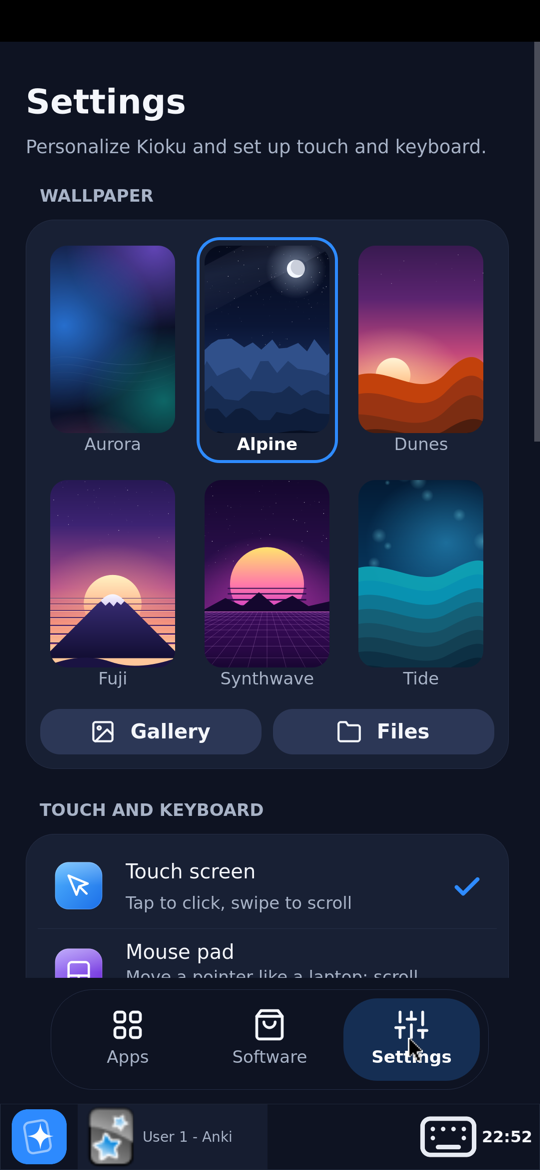
- Settings: wallpaper (six built in, or your own picture), touch screen or mouse pad, keyboard, import a deck, phone storage, display settings, remote desktop, restart desktop, Power off.
The dock
| To… | Do this |
|---|---|
| see the desktop | tap the Kioku button at the start of the dock; tap again to get the windows back |
| switch windows | tap a window in the dock |
| show or hide the keyboard | the keyboard button in the dock |
In landscape the dock moves to the right edge.
Touch screen or mouse pad
Settings › Touch screen: tap to click, drag to scroll (with momentum). Settings › Mouse pad: one finger moves a pointer, tap to click, two fingers scroll; like a laptop’s touchpad.
Other apps (web browser, file manager) get real touch events: drag to scroll, long press to select text.
Keyboard
Text fields open the Android keyboard; tapping elsewhere closes it. In other apps, the keyboard opens when you tap where text can be typed (a terminal, a text box). The dock’s keyboard button always works.
Closing Kioku
Settings › Power off closes Anki (it saves the collection) and ends the session.
If start-up fails
The splash screen shows what went wrong, with:
- Retry,
- Safe mode: Anki without add-ons (for a broken add-on),
- Repair runtime: unpacks the runtime again; your decks are kept,
- Share log: send the log with a bug report.