Which variant?
Kioku comes as three phone apps, plus two ways to use it from a browser. All run the same Anki release (26.09.3) and can sync with each other through AnkiWeb or the phone’s sync server.
On a phone or tablet
| iPhone, iPad | Android, native | Android, Termux | |
|---|---|---|---|
| Needs | iOS 17+ | Android 9+, arm64 | Android 7+, arm64, ~1 GB free, 3 GB+ RAM |
| Download size | 39 MB | 48 MB | 235 MB |
| Looks like | a phone app: every window full screen | a phone app: every window full screen | a small Linux desktop with a dock |
| Web pages (cards, editor, stats) | the system web view | Android System WebView | Qt WebEngine, as on a PC |
| Add-ons | yes, except ones that start programs | yes, except ones that start programs | yes, as on Linux |
| Other Linux apps | no | no | yes, on demand |
| Sync server on the phone | yes | yes | yes |
| AnkiDroid’s media | no | yes | yes |
| Remote desktop | no | no | yes |
| Pick it if | you have an iPhone or iPad | you want a light, fast app | you want the full desktop and every add-on |
Both Android variants can be installed side by side; they keep separate collections.
In a browser
| Web (experimental) | Your server (Docker) | |
|---|---|---|
| Needs | a recent Chrome, Edge or Safari | a server or NAS (amd64 or arm64) with Docker; any browser |
| Where Anki runs | in the browser tab (WebAssembly) | on the server; the browser shows its screen |
| Your collection | in that browser on that device | on the server, one copy for all your devices |
| Add-ons | most pure-Python ones | yes, as on Linux |
| Pick it if | you want to try Kioku without installing anything | you want one Anki, with a large collection and your add-ons, from every device |
See Web browser and Self-hosted server.
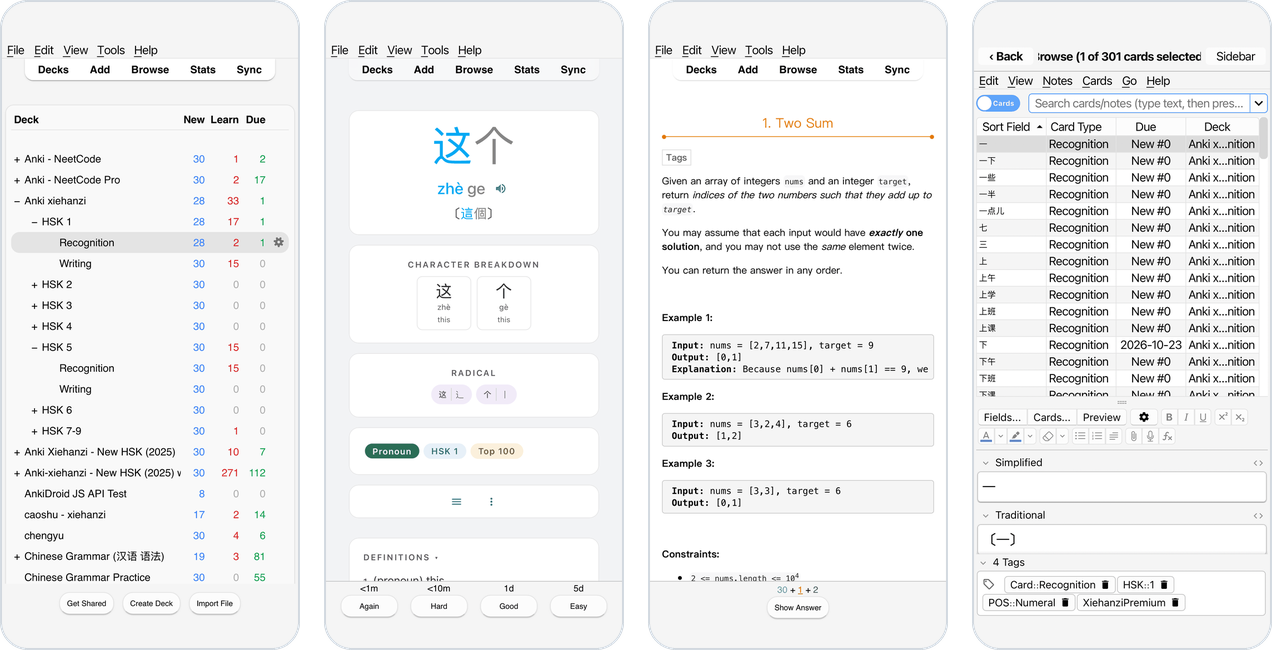
iPhone and iPad
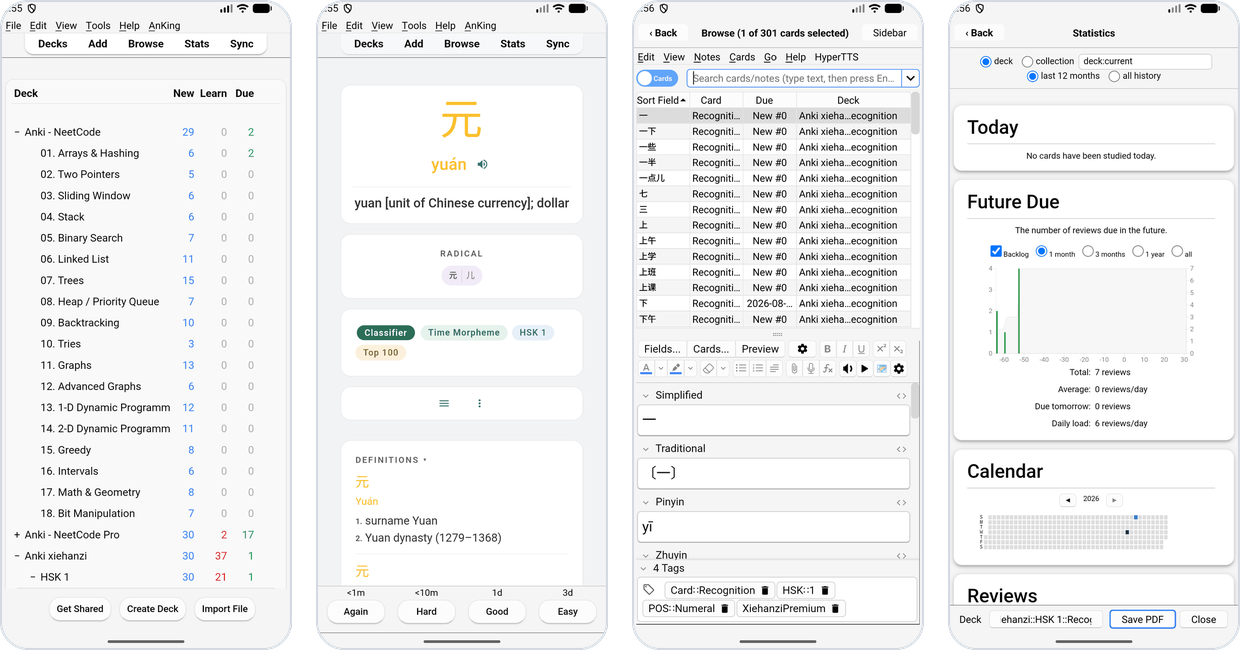
Android, native
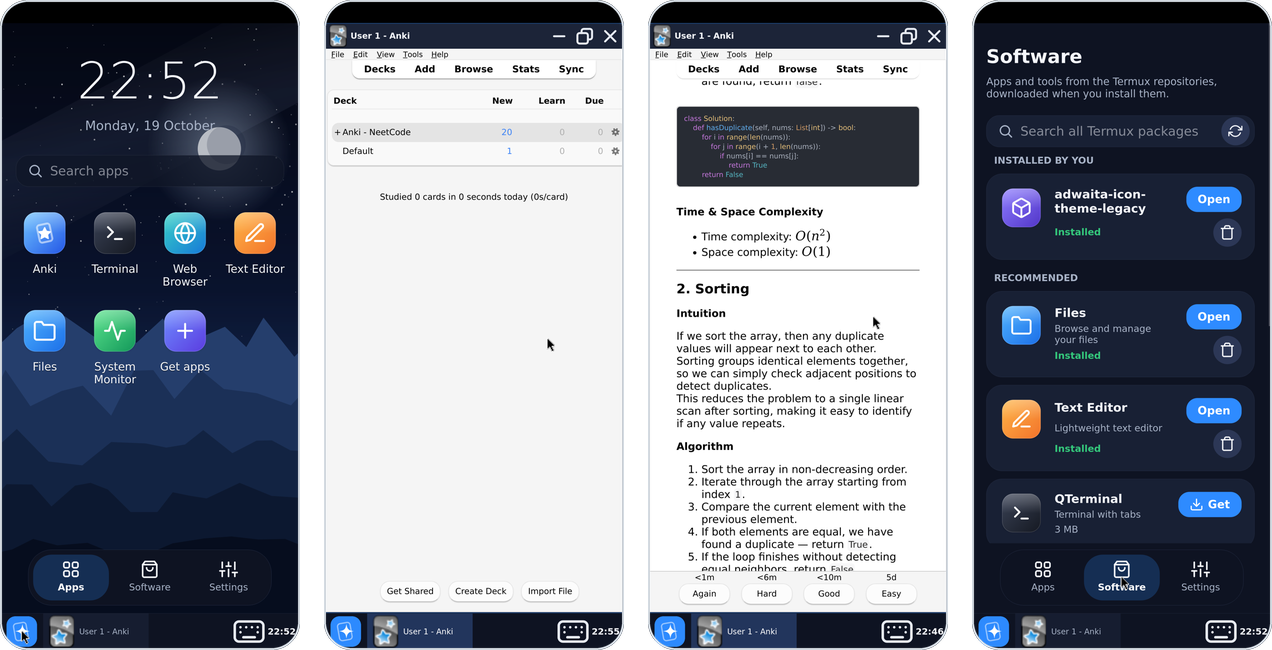
Android, Termux
Your server, in a browser